
HEADWAY / SHIPWRIGHT UI KIT AND COURSE
Turning our design system into a product: a free kit with 10,700+ users, and a paid course.
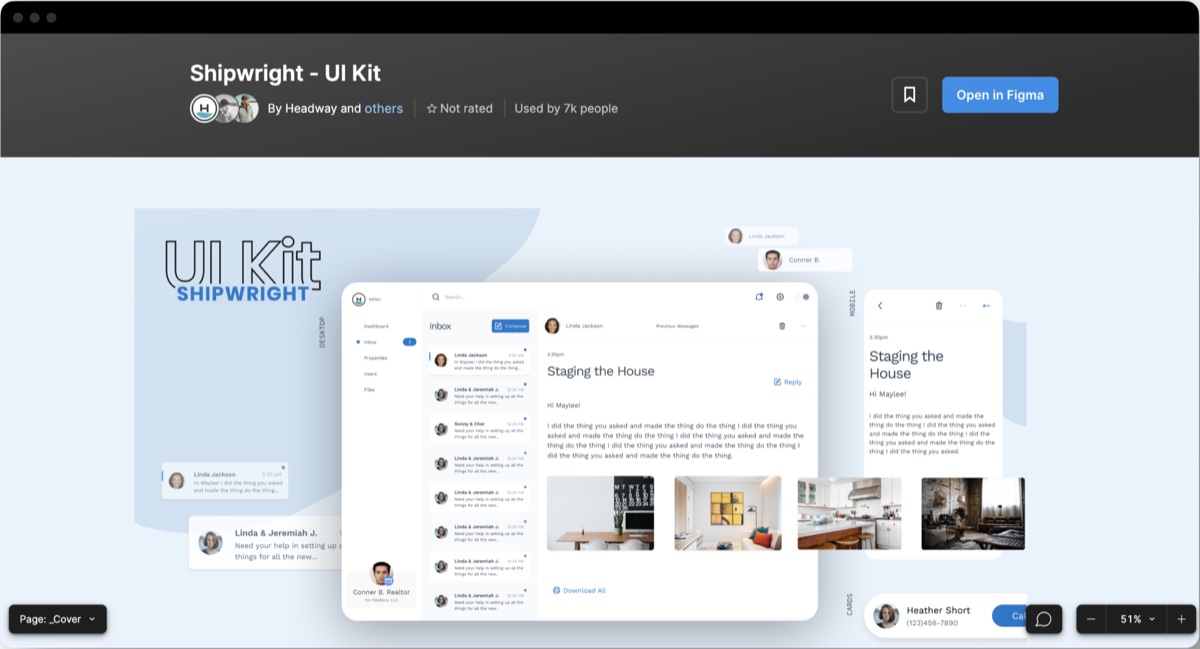
Shipwright started as the design system behind Headway’s client work. I led its rebuild into a free Figma UI kit, built hand in hand with developers, then taught in the design systems course we made from it.
Project details

In short
A free kit used by 10,700+ designers, and a course built on it.
- people using the kit on Figma Community
- 10.7KFree
- faster project kickoffs for Headway’s teams
- 80%Faster
- client projects built on it, including Ford and Tasktag
- 30+Projects
- lessons in the course, over 11 hours
- 4611h 38m
The problem
Shipwright 1.0 had lots of components, few of them used, almost no docs, and developers weren’t part of it.
What I did
Led the rebuild around fewer, better components built with developers and mirrored in Storybook. Then taught in the course we made from it, and designed its website.
The result
A kit used by 10,700+ people and 30+ client projects, and a course that became a new line of business for Headway.
Quantity to quality
From quantity to quality.
Version 1 put design first and left developers out. The feedback was blunt, so for version 2 we audited everything, kept only what projects really used, and built each component from one base.
“There are so many components, with no auto layout to use on a project.”

“Documentation and collaboration would have made this a great tool for devs as well.”

“I have to detach components to use them my way. No flexibility.”

Built with developers
Built with developers.
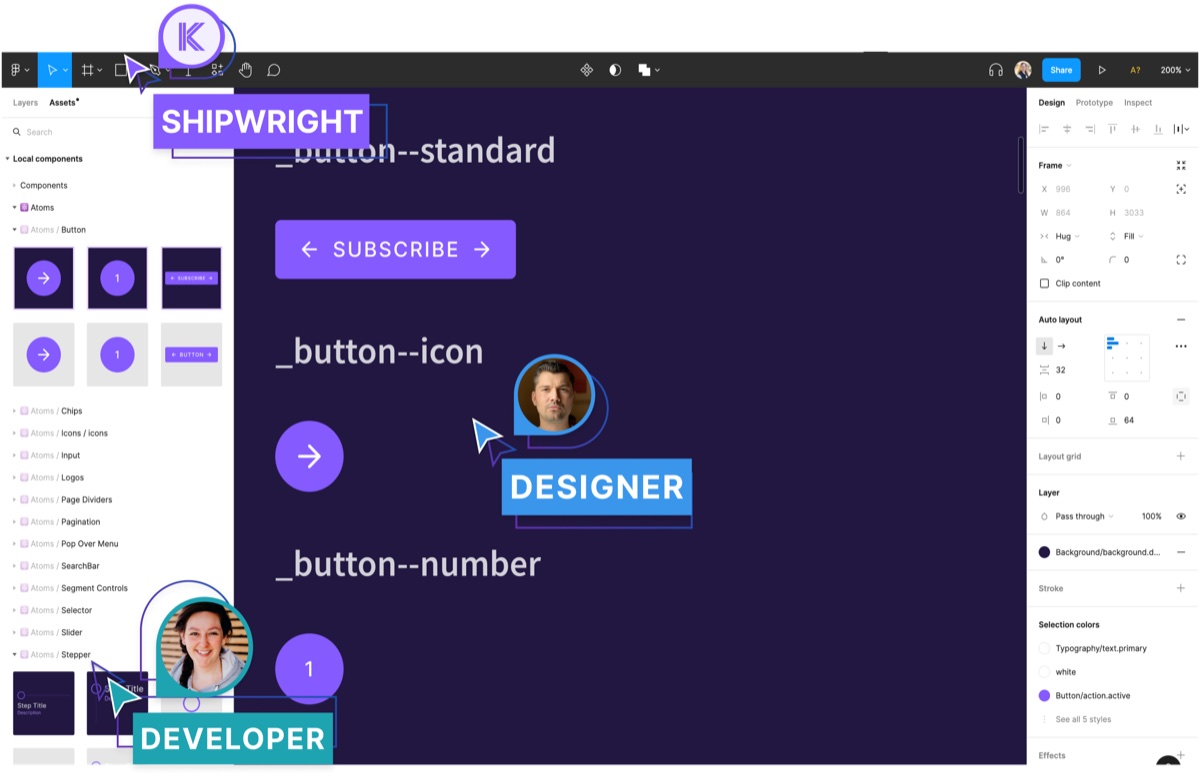
Designers branched in Figma to work in parallel, and our engineers mirrored every component in Storybook. Designers and developers use the same names for the same things.
One base component, many variants. Designers change properties in Figma, developers pass the same names as props, and Storybook shows both.
Shipwright makes big changes less scary.
Proven on real work
Proven on real work.
Shipwright has been field-tested on 30+ client projects and makes every kickoff about 80% faster. A few of the teams that built on it:
- Ford
- Interspond
- Tasktag
- Breakthrough
- Demiplane
- Kaladin
- Raleon
Kit to course
From kit to course.
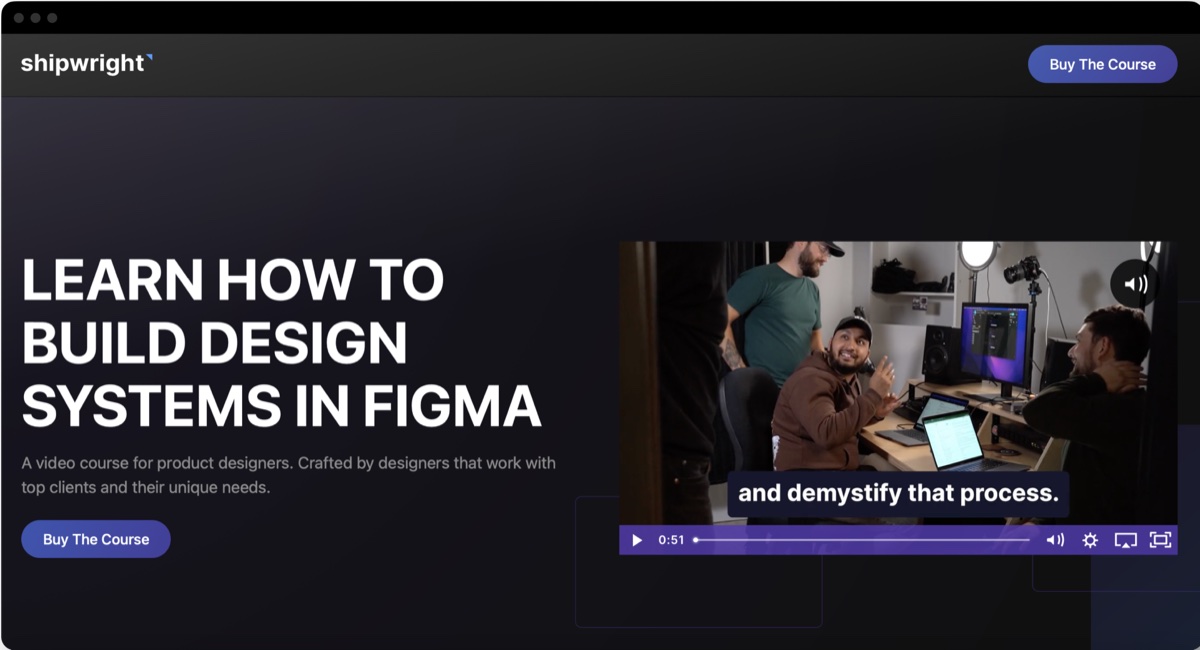
We surveyed designers first, then turned a system tested on real projects into a self-paced course. I taught alongside eight Headway designers and designed the course website.
- designer responses before we wrote a lesson
- 75Survey
- seats sold in the first six months, through organic marketing only
- 25+Organic
- lessons, 11h 38m in total
- 467 modules
The course, module by module.
| Module | Lessons | Length |
|---|---|---|
| Design system foundations | 6 | 1h 03m |
| Core concepts | 7 | 1h 41m |
| Establishing building blocks | 6 | 2h 05m |
| Building components | 14 | 4h 09m |
| Component architecture | 5 | 1h 26m |
| Publishing and using the system | 2 | 36m |
| Documentation and maintenance | 4 | 38m |
What learners said
What learners said.
The feedback that mattered most: it feels like real work, not a tidy tutorial.
“I appreciated that it reflected a realistic workflow. Some of the order of operations represents what I work through in my job, not a polished, linear YouTube or bootcamp experience, and I loved that.”

“It provides practical steps to tackle all of the problems when setting up, maintaining and implementing a healthy, evolving design system.”

“A complete end-to-end resource.”

“Whether you’re starting from zero or somewhere in between, I liked how clearly the material was presented, and having access to real resources.”

What’s next
Giving it away, and what’s next.
When Figma Variables arrived, we moved Shipwright to primitive and semantic variables, and I turned what we learned into free resources for the community.
| Resource | Where | Reach |
|---|---|---|
| Variables map | Free Figma template | 600+ users |
| Creating variables in Figma | YouTube | 1,800+ views |
| Using icon wrappers in Figma | YouTube | 1,600+ views |
Code as the source of truth
Today I’d let tokens and Storybook lead, with Figma as one view of the system.
Docs written for AI too
People now ask AI tools how to use a system, so clear, structured component docs make those answers right.